Compare freelancer software without drowning in feature lists.
Practical software comparisons for freelancers who need to invoice, book, sell, and manage clients without overbuilding their workflow.
- Workflow-first comparisons
- Official product sources
- Plain-language tradeoffs
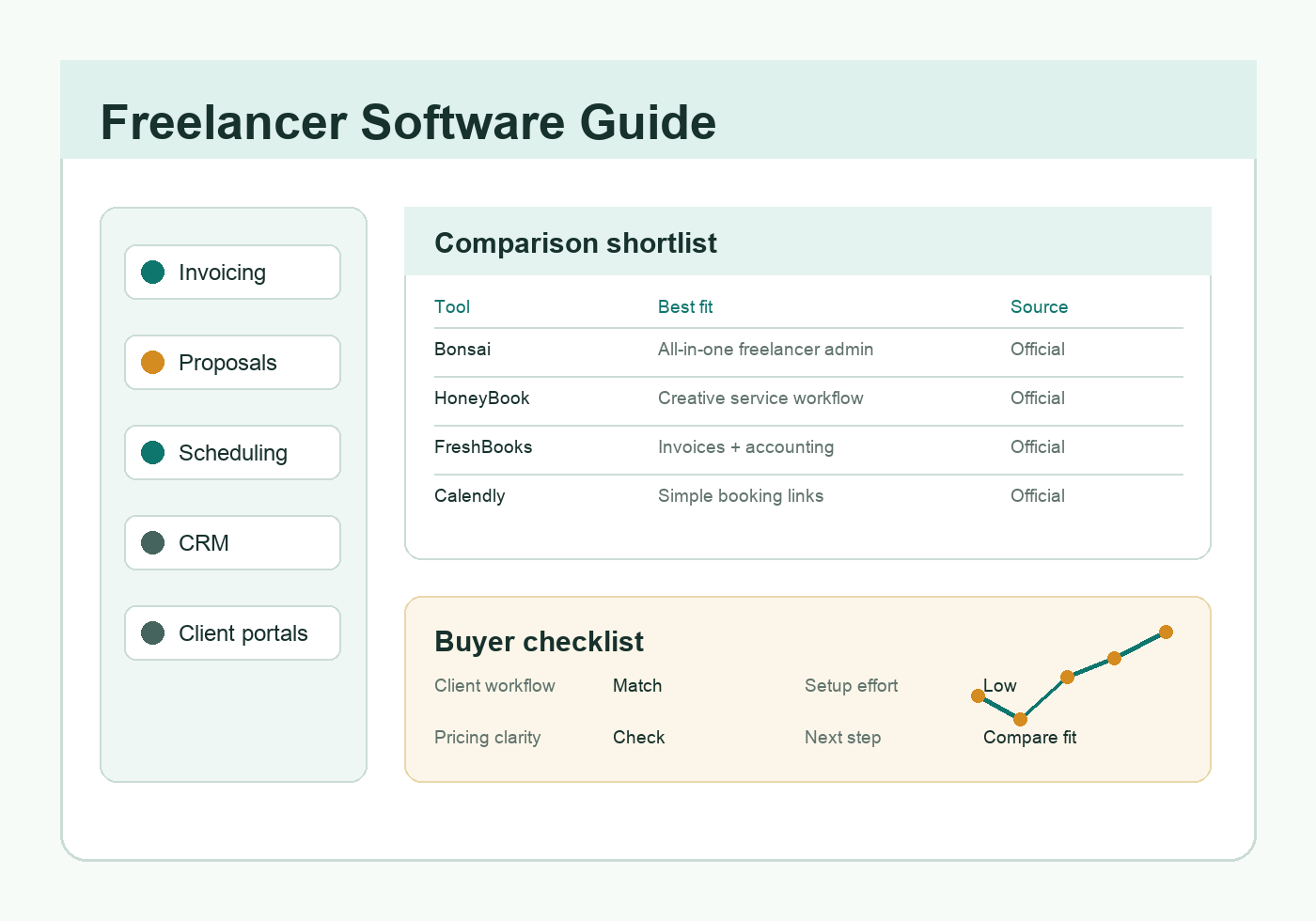
Focused on invoices, proposals, scheduling, CRM, forms, portals, and client workflow basics.
Core categories
Start with the workflows most freelancers repeat: billing, selling, scheduling, client collaboration, and follow-up.
Tools for invoices, payments, expenses, and simple business records.
02 ProposalsProposal builders, templates, e-signatures, and sales document tracking.
03 SchedulingBooking links, appointment calendars, reminders, and payment collection.
04 Client PortalsClient portals, file requests, messaging, approvals, and workflow hubs.
05 Forms & IntakeClient intake forms, questionnaires, file requests, and approval workflows.
06 CRMLightweight contact, pipeline, lead, and follow-up tracking.
Build a client intake question list
Choose the details your project needs, then copy or print a clean question set. Nothing is uploaded or saved.
Software guides
Browse practical comparisons for the tools freelancers use to invoice, sell, schedule, organize clients, and collaborate.